

QSFP-DD optical module Read Digital Diagnostic Monitoring(DDM/DOM)
The hardware device in this demonstration is QSFP-DD-200G-SR4
All XFP packaged fiber modules can be used for reference
Prepare multi-mode optical fiber modules and multi-mode loopback modules
After the software opens, log in.
Perform the following steps:
1) Select QSFP-DD Tab
2) Page size set to :8(This value is usually 8, but there are exceptions that vary depending on the IC. If reading fails, consult the module vendor)
ReadIIC set to :3(This value is filled in according to the usage, the smaller the value)
3)Check "DDM" in "Read/Write Options"
4) Click "Read" in "Read Options"(If a large number of optical modules are to be read, select Auto and click Read.)

5) Connect the optical fiber module and loopback module to the QSFP-DD port
6) As shown in the figure, the power of the optical module is displayed.(Click "Stop" when finished)
QSFP-DD is a new-generation protocol, and its functions are constantly improving.....
扫描二维码推送至手机访问。
版权声明:本文由IICHIB发布,如需转载请注明出处(如有版权异议,请联系我们)。
严禁使用IICHIB所有设备及相关程序从事任何非法活动.

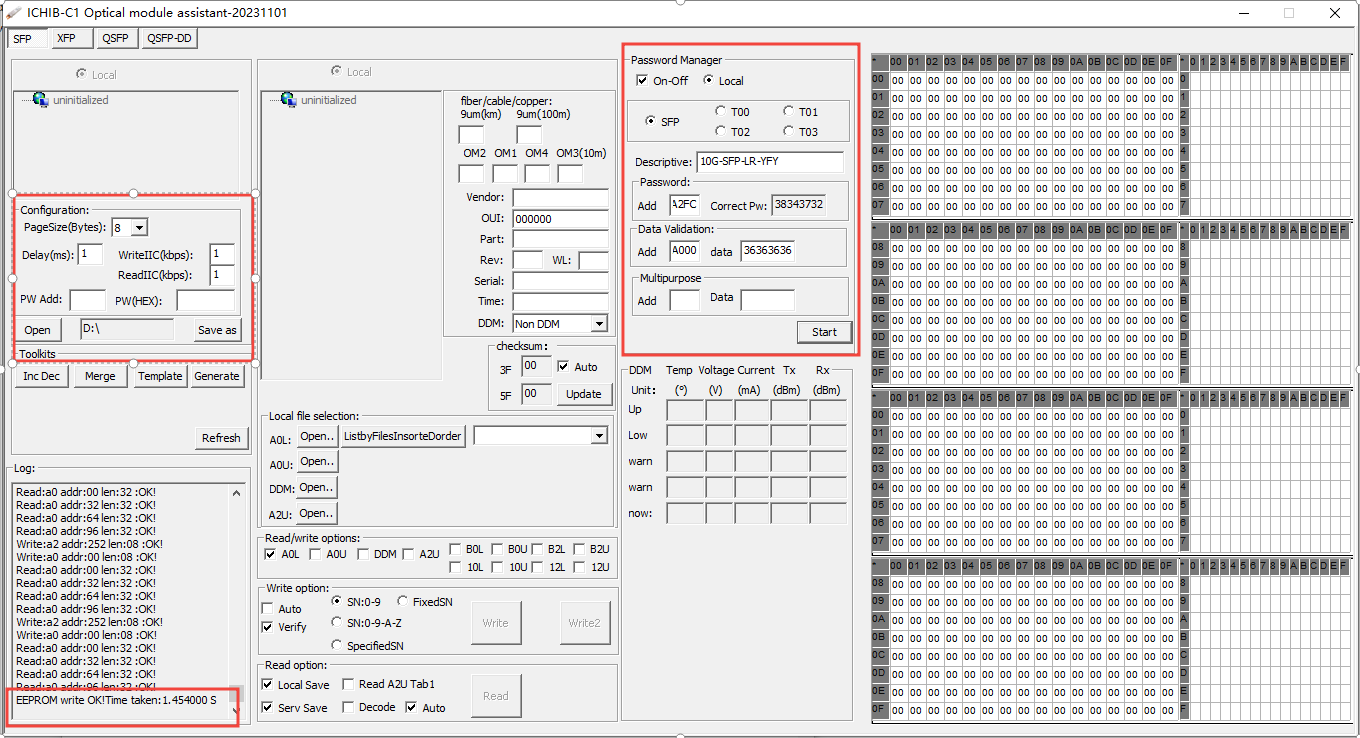
![Firmware Generation - Toolkit [Batch Generation of Optical Module Firmware Files]](https://www.iichib.com/zb_users/upload/2023/11/202311041699052926905841.png)
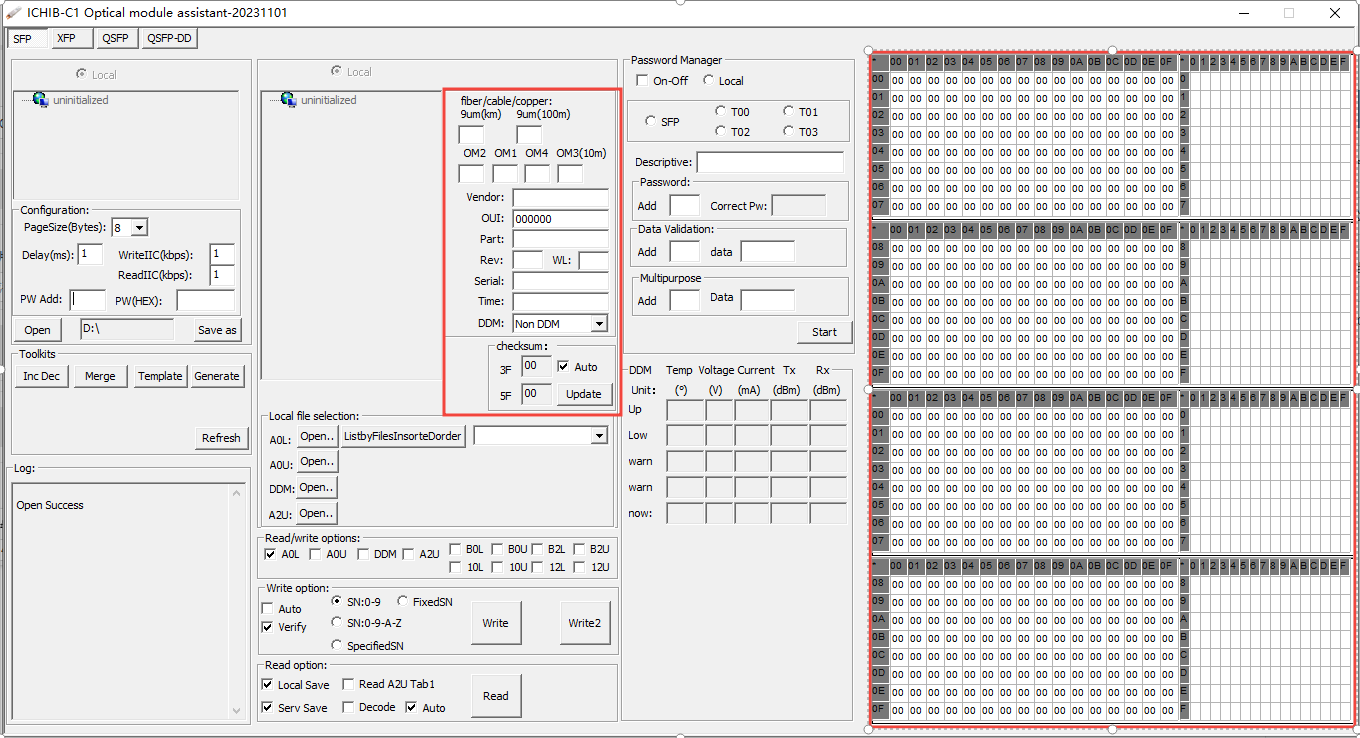
![Firmware Template - Toolkits[Creating Optical Module Firmware File Template]](https://www.iichib.com/zb_users/upload/2023/11/202311041699051936442009.png)