
当前位置:首页 > 技术支持 > IICHIB-C1-En >

Local File Selection function description-2-Batch load file

Be careful to read the instructions before operating!

This note focuses on the first "Open" button, which includes the functionality of the other three "Open" buttons and also loads 500 files at a time.

If the loaded file is 512 bytes, it will follow each 128 bytes as a paragraph. Load into 4 areas. But which areas are used is completely controlled by read and write options.


The loaded files can only be in the same folder, you can manually select which several or select all. But their loading order is the order rules of windows system.
(If you need to specify the order, please see the Local File Selection function description-3-Load multiple files in the specified order)


The loaded file will have a drop-down list is normally used from top to bottom, but when you make a mistake in the operation process or other circumstances need to return to any file, you can directly select the file name in the list, you can jump to the file, and then continue to the next operation from the file.


Note: that if you cycle through multiple files to write firmware, you must use the Write2 button. Otherwise the file will not change to the next one! (No need to check "Auto" "auto" function is only controlled by the Write button)

1.png2.png

扫描二维码推送至手机访问。

版权声明:本文由IICHIB发布,如需转载请注明出处(如有版权异议,请联系我们)。

严禁使用IICHIB所有设备及相关程序从事任何非法活动.
违法和不良信息举报中心.

本文链接:https://www.iichib.com/post/79.html

分享给朋友:

“Local File Selection function description-2-Batch load file” 的相关文章

Firmware File Merge - Toolkit [Batch Merge Optical module firmware code files]

Firmware File Merge - Toolkit [Batch Merge Optical module firmware code files]

1 case:Prepare 2 folders with the same amount of firmware and file names (order A to B, multiple files and merging between multiple files)…

Batch modification of firmware information -[Delete, Replace, Add]

Batch modification of firmware information -[Delete, Replace, Add]

Log in to ICHIB-C1- click "Inc Dec "in" Toolkits "to operate in the dialog box that pops up.(After Delete,  Replace, &nb…

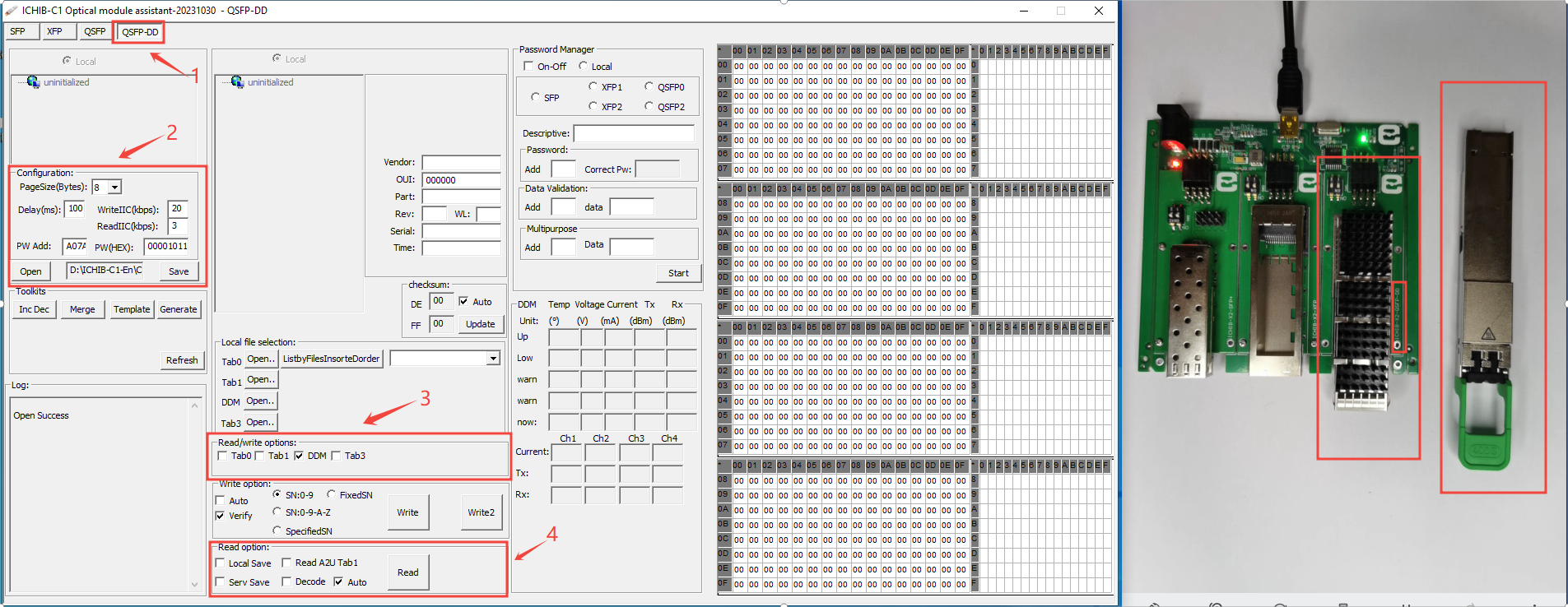
QSFP-DD optical module Read Digital Diagnostic Monitoring(DDM/DOM)

QSFP-DD optical module Read Digital Diagnostic Monitoring(DDM/DOM)

The hardware device in this demonstration is QSFP-DD-200G-SR4All XFP packaged fiber modules can be used for referencePrepare multi-mode optical fiber…

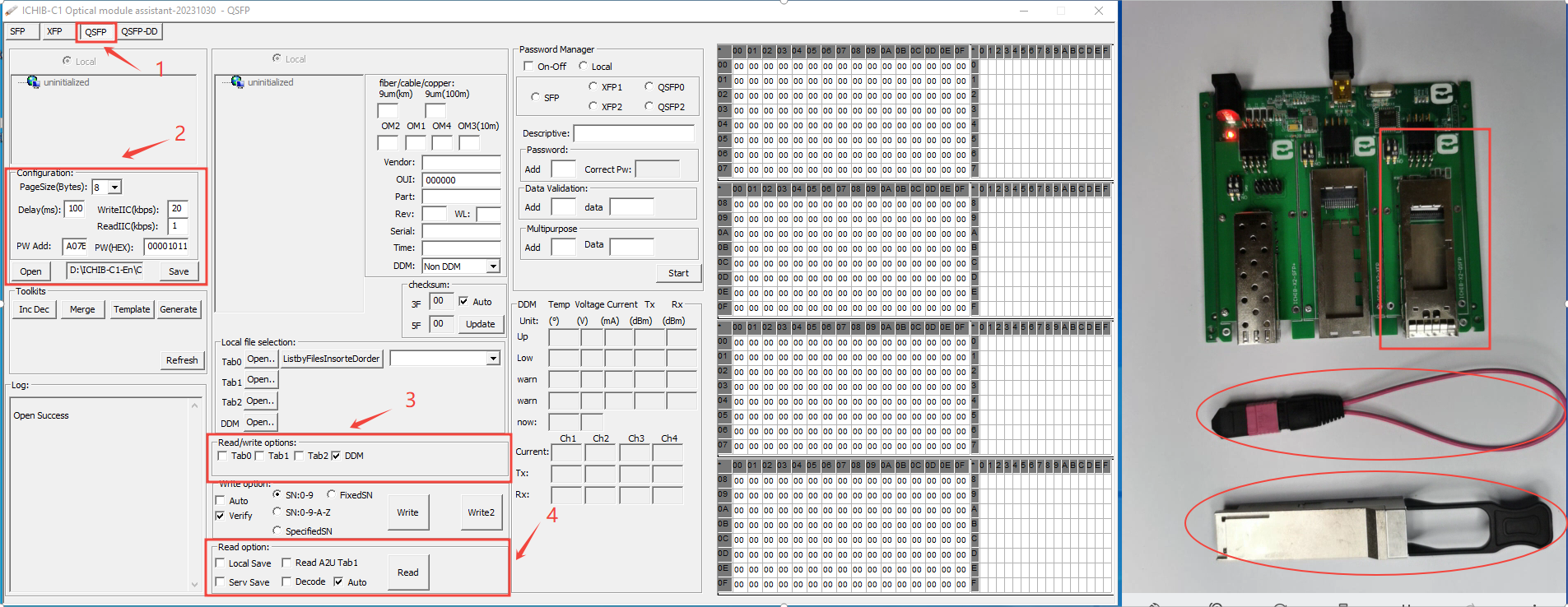
QSFP optical module Read Digital Diagnostic Monitoring(DDM/DOM)

QSFP optical module Read Digital Diagnostic Monitoring(DDM/DOM)

The hardware device in this demonstration is 40G-QSFP-SRAll QSFP packaged fiber modules can be used for referencePrepare multi-mode optical fiber modu…

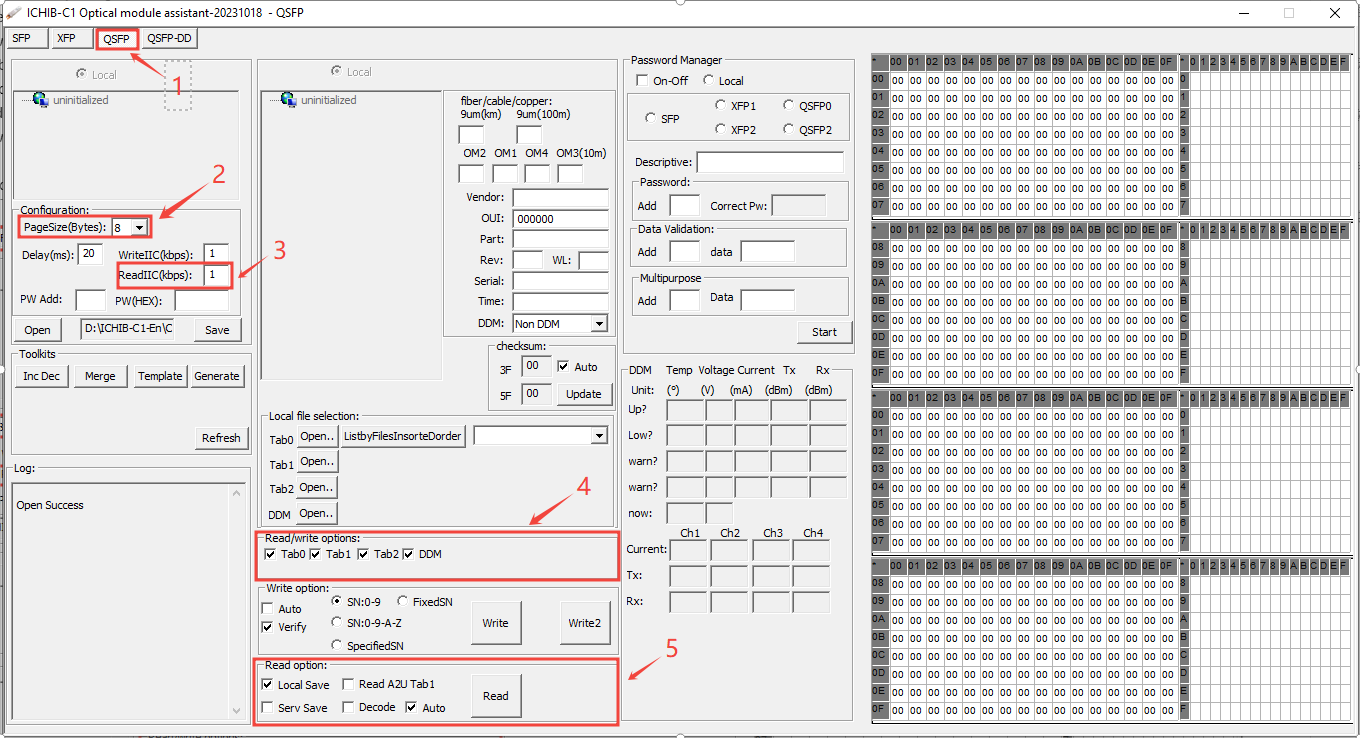
"Configuration" Details ICHIB-C1

"Configuration" Details ICHIB-C1

This setting is explained in two parts :" Read and write"1, the parameter used when reading1:page size(The SFF protocol requires the value t…

Firmware Template - Toolkits[Creating Optical Module Firmware File Template]

Firmware Template - Toolkits[Creating Optical Module Firmware File Template]

1) The template needs to be prepared in advance and stored in the corresponding folder, otherwise this function cannot be used quickly. (Template fold…